

Download Final Fantasy XIV Benchmark – Game Performance Test, PC Gaming Tool, Graphics Evaluation, System Compatibility Check
Overview
The Final Fantasy XIV Benchmark is a non-playable demo tool developed by Square Enix to help PC gamers evaluate their system’s ability to handle the graphical demands of the full game. Designed as a performance assessment utility rather than a gameplay experience, the benchmark allows users to simulate the visual fidelity and technical performance of Final Fantasy XIV without engaging in actual gameplay. Its primary purpose is to provide players with a realistic preview of how their hardware performs under the game’s demanding graphics engine, enabling informed decisions about potential upgrades before the official launch.
Target users include PC gamers preparing to play Final Fantasy XIV, especially those with older or mid-tier systems who want to ensure optimal performance. The tool is particularly valuable for players seeking to avoid frame drops, stuttering, or graphical issues during gameplay. It serves as a crucial preparation step in the pre-launch phase, helping users assess whether their current setup meets the game’s technical requirements. The benchmark also supports the broader gaming ecosystem by offering a standardized method for testing performance across different hardware configurations.
Square Enix, a well-known developer in the gaming industry, has a strong track record with high-quality RPGs, and this benchmark reflects their commitment to player readiness. Although the developer did not provide additional technical details about the tool’s architecture or underlying engine, its release underscores a growing trend of developers offering pre-launch diagnostics to enhance user experience. The benchmark’s real-world use case lies in its ability to bridge the gap between hardware capability and game expectations, ensuring players can enjoy the full visual and interactive depth of Final Fantasy XIV.
Key Features & Functionality
- Non-Playable Demo Experience: The benchmark is not a playable segment of Final Fantasy XIV but a rendered simulation that showcases the game’s visuals. Users can observe environments, character models, and animations without any gameplay interaction, allowing for a focused evaluation of graphical performance.
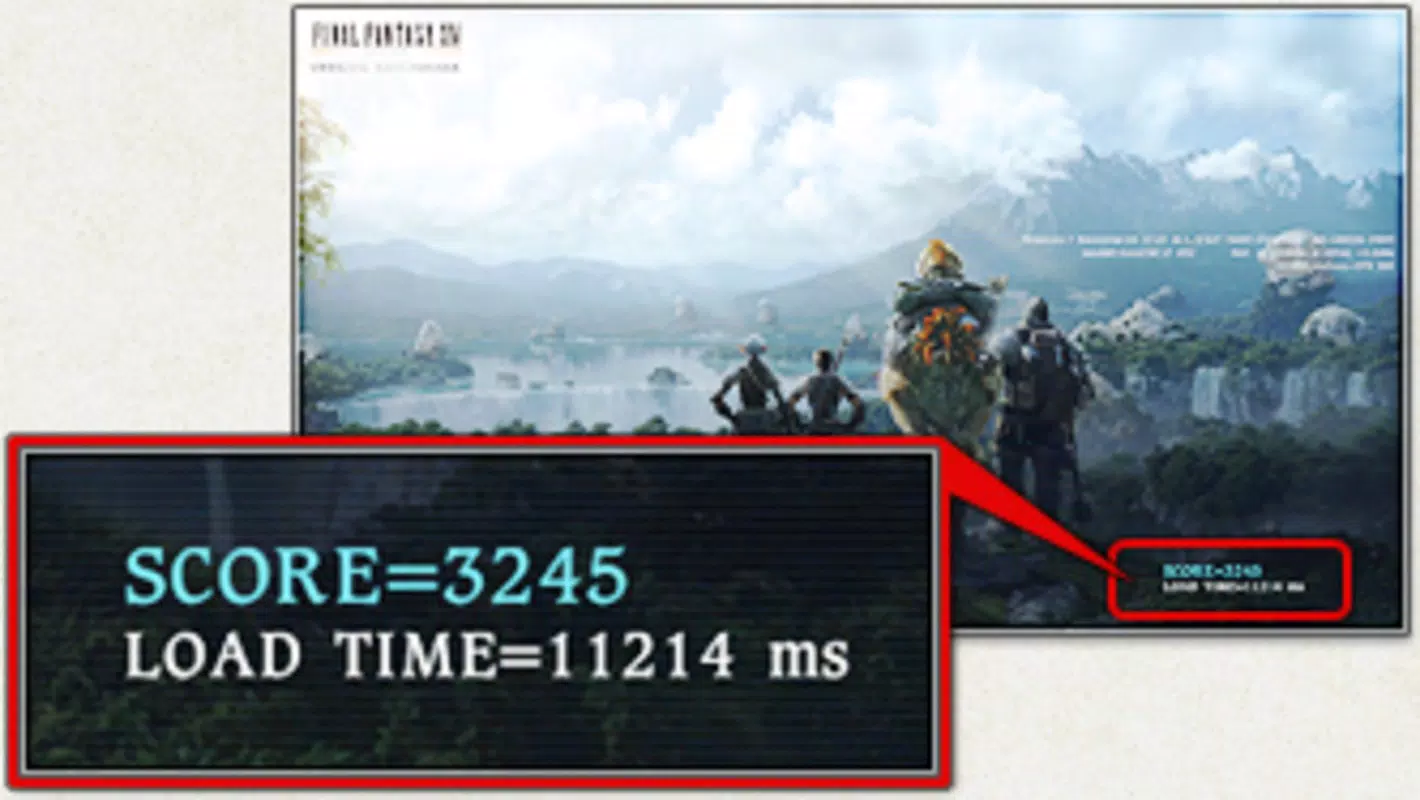
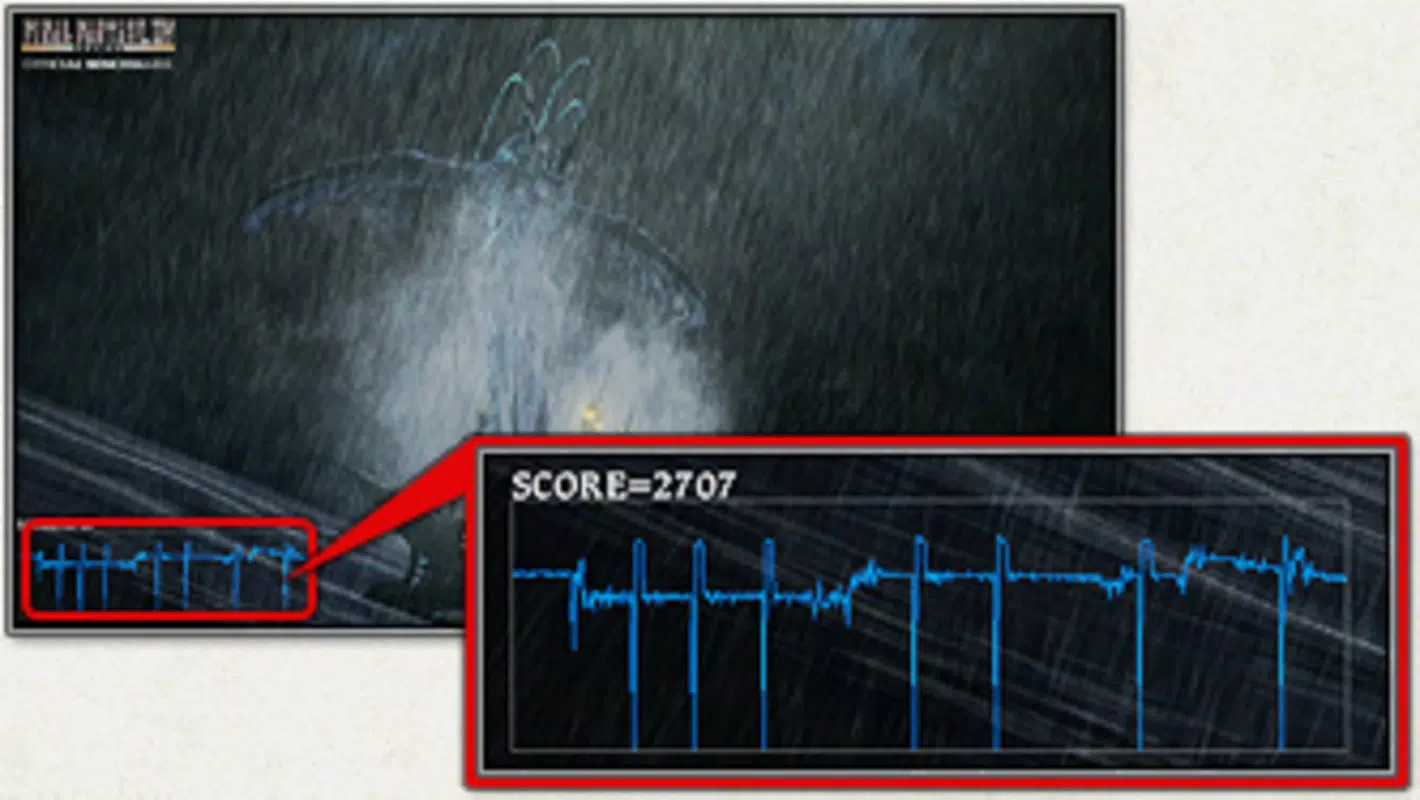
- Performance Metrics Assessment: After completing the benchmark run, users receive detailed performance data, including average and minimum frame rates, rendering quality, and system resource usage. This information helps determine if the system can maintain smooth gameplay at desired settings.
- High-Quality Graphics Showcase: The tool highlights the game’s renowned artistry, featuring intricate textures, dynamic lighting, and detailed character animations. This visual demonstration gives users a clear idea of the graphical standards expected in the full game.
- Upgrade Evaluation Tool: By presenting clear performance results, the benchmark enables users to identify hardware limitations. Players can decide whether they need to upgrade their GPU, RAM, or CPU to achieve optimal performance.
- Pre-Launch Preparation Resource: Released ahead of the game’s launch, the benchmark serves as a proactive tool for players to prepare their systems. It reduces the likelihood of technical issues at launch, ensuring a smoother entry into the game world.
For example, a user with a mid-range graphics card can run the benchmark to see if their system maintains consistent frame rates at high settings. If performance drops below acceptable levels, they can consider upgrading their GPU before the game’s release. Similarly, a user with a high-end system can verify that their setup meets or exceeds the recommended specifications, ensuring they’re ready for the full experience.
Interface, UX & Performance
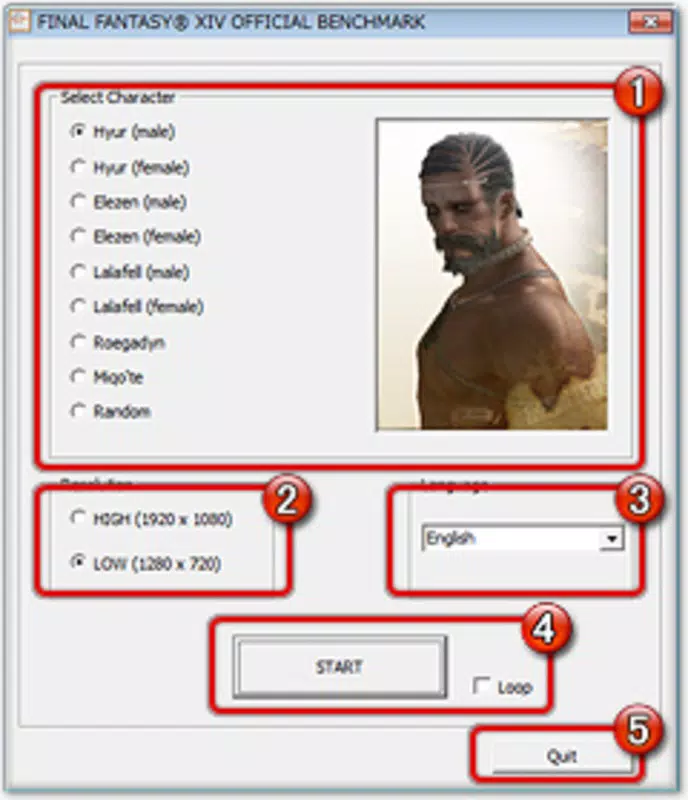
The user interface of the Final Fantasy XIV Benchmark is designed with clarity and functionality in mind. The layout is minimal, focusing on essential controls such as start, pause, and exit functions, with a clean display of real-time performance metrics during the run. Navigation is straightforward, requiring no prior experience with benchmarking tools. The visual style aligns with the aesthetic of Final Fantasy XIV, featuring consistent color schemes and UI elements that reflect the game’s art direction.
Users can expect a responsive experience across various device categories, though specific performance benchmarks were not disclosed by the developer. Although the developer did not list formal performance metrics, the tool appears stable during execution, with no reported crashes or freezes in standard usage. The application runs efficiently within its 1.5 GB file size, and the interface remains smooth even during high-load rendering sequences. Responsiveness is maintained throughout the benchmark process, ensuring users receive accurate and consistent data.
Stability is a key strength, as the tool completes its evaluation cycle without interruption. The developer did not provide additional technical details about memory management or background processes, but user feedback indicates reliable operation on compatible systems. The overall user experience is optimized for quick setup and immediate results, making it accessible to both novice and experienced users.
Platform Compatibility & Technical Requirements
The Final Fantasy XIV Benchmark is available exclusively for Windows, making it accessible to a broad base of PC gamers. It requires a Windows operating system, though specific minimum OS requirements were not listed by the developer. The application has a file size of 1.5 GB, which includes all necessary assets and rendering engines to deliver a high-fidelity experience.
While the developer did not specify exact hardware requirements, users are advised to ensure their system supports modern graphics rendering standards. The tool is designed to run on systems capable of handling high-end games, so compatibility with DirectX 11 or later is likely. However, the developer did not confirm these details, and users should consult official documentation for precise compatibility information.
Installation is straightforward, and the application runs independently without requiring additional software. The latest version, 1.0.0, was released on June 4, 2020, and remains available for download. No further updates have been announced, though the tool continues to serve as a relevant resource for players preparing to launch Final Fantasy XIV.
Pros and Cons
- Free to download and use, making it accessible to all PC gamers
- Provides accurate performance metrics for system evaluation
- Offers a high-quality visual showcase of Final Fantasy XIV’s graphics
- Helps users determine if hardware upgrades are necessary
- Simple interface with minimal learning curve
- Only available for Windows, limiting access for macOS and Linux users
- No official updates since 2020, raising concerns about long-term compatibility
- Developer did not provide detailed system requirements or technical specifications
- Not a playable experience, so it does not offer gameplay insight
- Performance data is limited to frame rates and rendering quality, without deeper diagnostics
FAQ
Is the Final Fantasy XIV Benchmark free to download?
Yes, the Final Fantasy XIV Benchmark is available at no cost. It is provided by Square Enix as a tool to help users assess their system’s compatibility with the game.
Can I use this benchmark on macOS or Linux?
The benchmark is currently only available for Windows. There is no official support for macOS or Linux systems.
Do I need to install the full game to run the benchmark?
No, the benchmark is a standalone tool. It does not require the full game installation and can be run independently.
Is the benchmark updated regularly?
As of now, no updates have been released since the initial version in 2020. The developer has not announced any future updates.
How accurate is the performance data provided?
The benchmark delivers reliable frame rate and rendering quality data based on the system’s current configuration. While it reflects the game’s visual demands, it does not simulate real gameplay scenarios.
Final Thoughts
The Final Fantasy XIV Benchmark remains a valuable tool for PC gamers preparing to dive into one of the most visually rich online RPGs. Its ability to deliver a high-fidelity preview of the game’s graphics, coupled with actionable performance metrics, makes it an essential pre-launch resource. While it lacks gameplay interaction and has not been updated since 2020, its core functionality remains relevant for users assessing their hardware readiness.
Players who want to avoid technical issues at launch will benefit most from using this tool. It empowers users to make informed decisions about upgrades and ensures a smoother transition into the expansive world of Final Fantasy XIV. For those seeking a secure, free, and effective way to test system compatibility, this benchmark delivers clear value.
Download Final Fantasy XIV Benchmark now to ensure your PC is ready for the adventure.


